
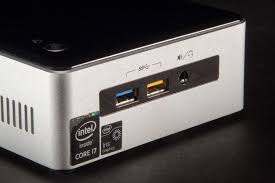
So back in 2020 I bought a second hand NUC off eBay to add to my home lab, the original release date for this model was 2015 ( but mine looks to be 2016 from QA markings ). Over the years this has been running behind my monitors, under the desk and in my custom racking ( NUC is on the shelf above power bricks ) close the ground with Dog shedding hair.
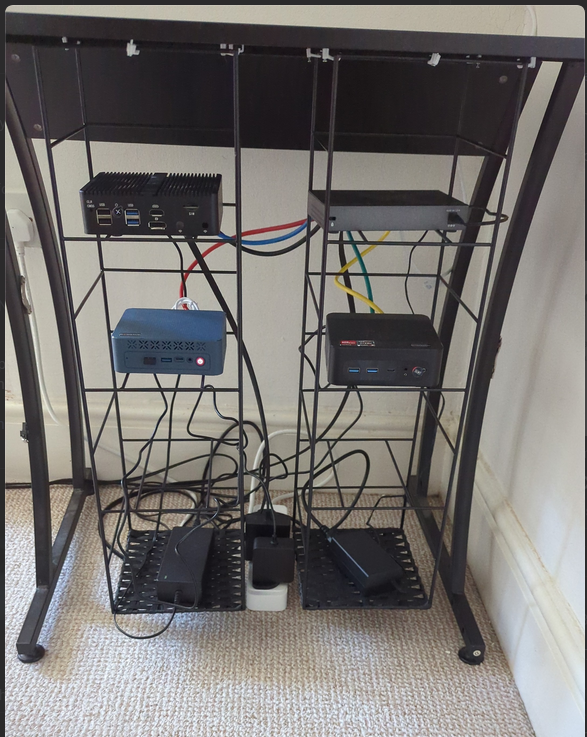
I recently got a SiliconDust HDHomeRun and decided to change the NUC into a Plex Server ( should really have gone Jellyfin but my TV's have plex built in, so lazy ..... ) and had it all setup with library tasks set to run at night. All was good for a bit, but then one night I started to hear clicking from the corner, after some investigation ( ear to each device ) narrowed it down to the NUC 😮 .
Years ago my first thought would have been "Oh no! HDD is on its way out" but as it has an SSD I decided the more likely cause was the fan. With that being my diagnosis, across to Amazon I go.....
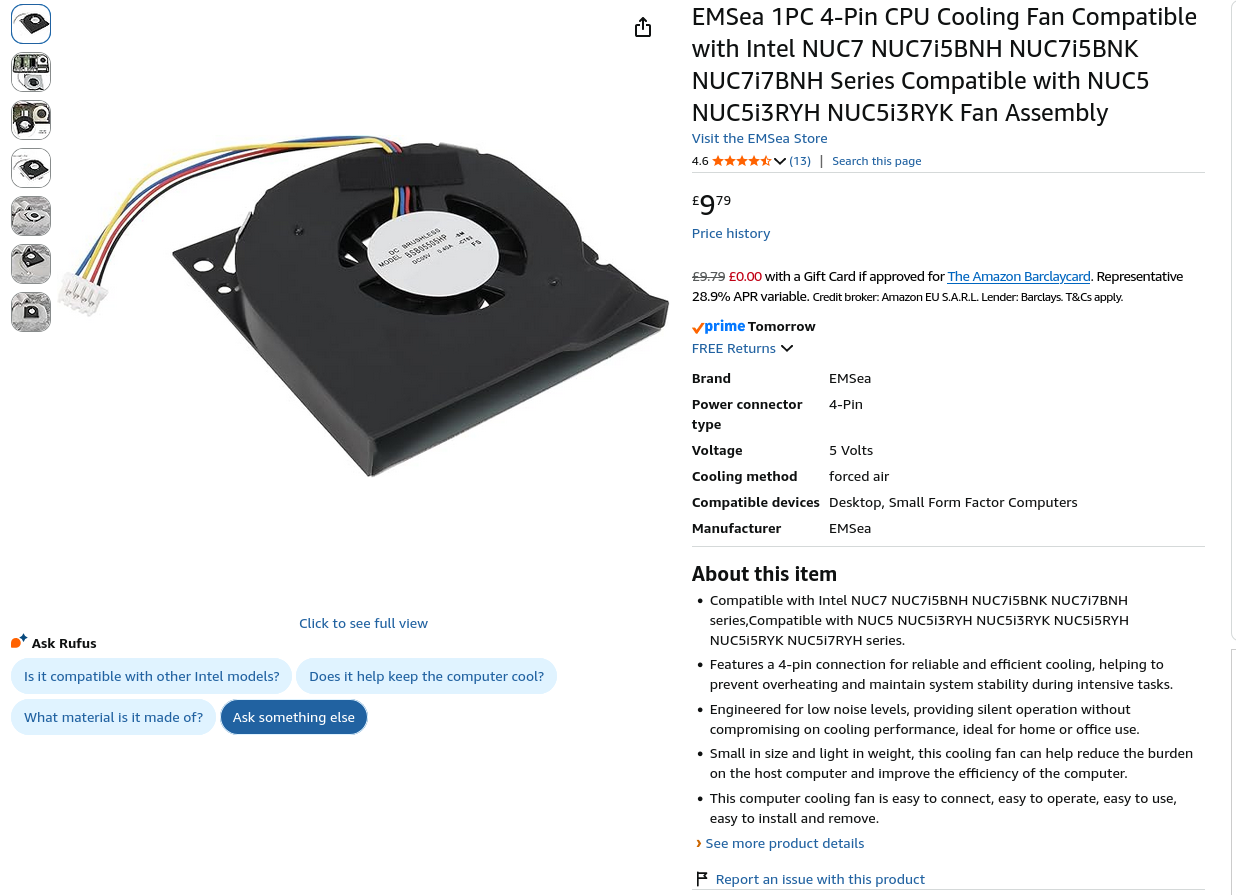
The Fan arrived and after disassembly we can see that it does match the OEM fan mountings so we are ready to switch it out!
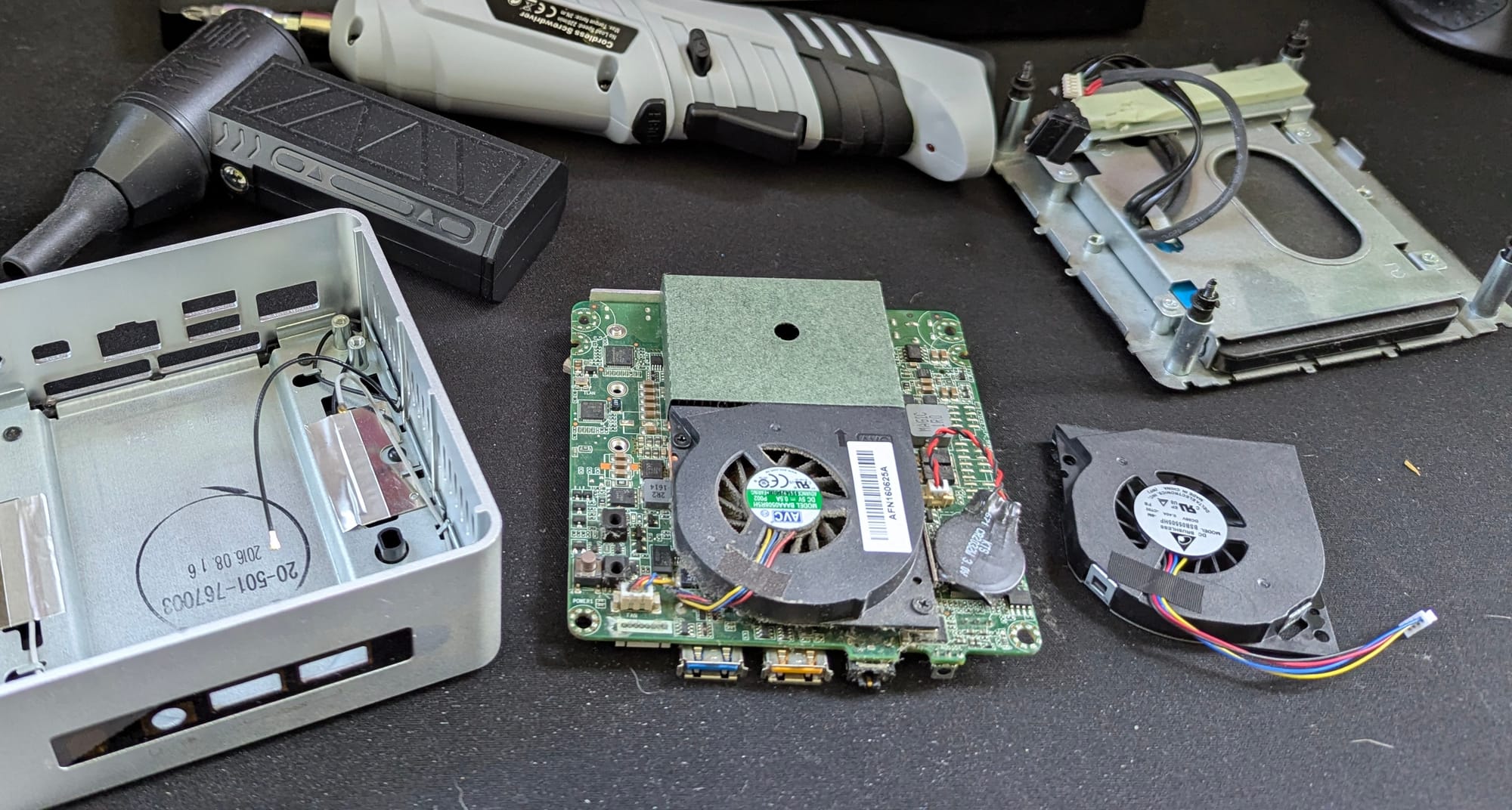
Unscrewing the fan we see years of dust and grim build up on the heat sink and board...
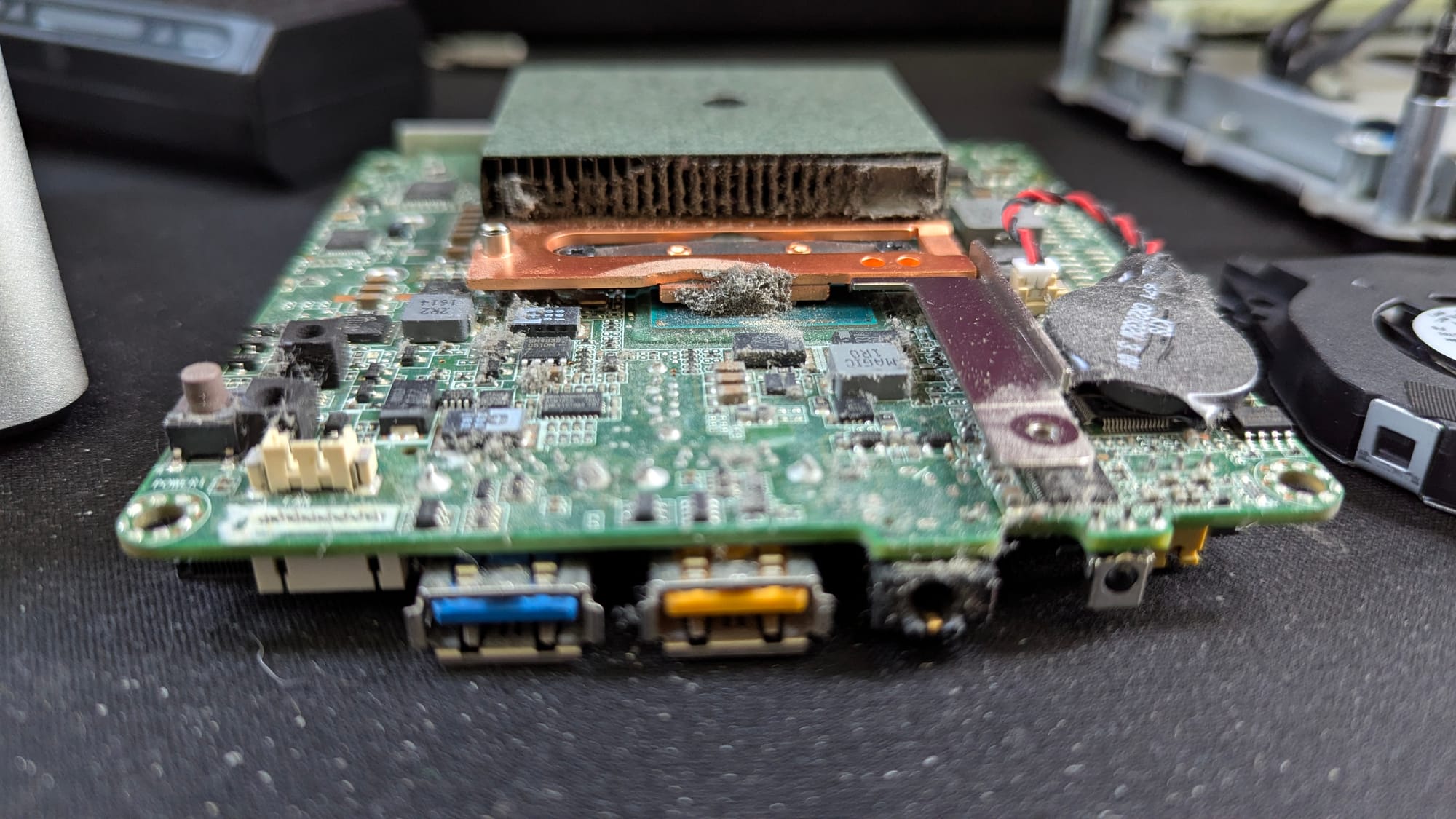
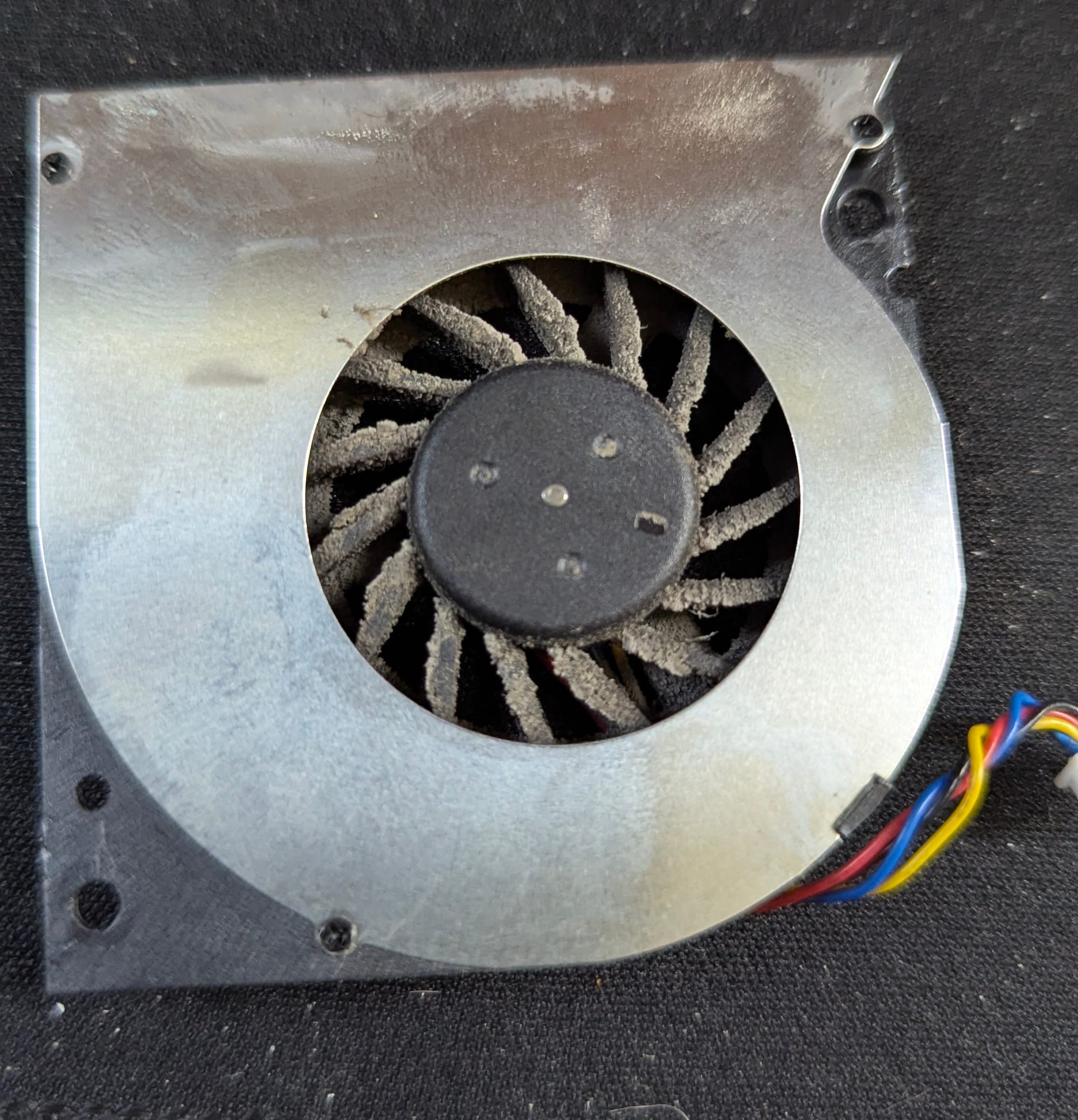
Using my trusty air duster & isopropyl I cleaned that up, you can see how caked the fan was below.
When replacing the fan, I noticed the replacement didn't have any screws and the old one had plastic captive/retaining washers. Using a small flat head I removed the washers and transferred the screws and washers to the new fan.
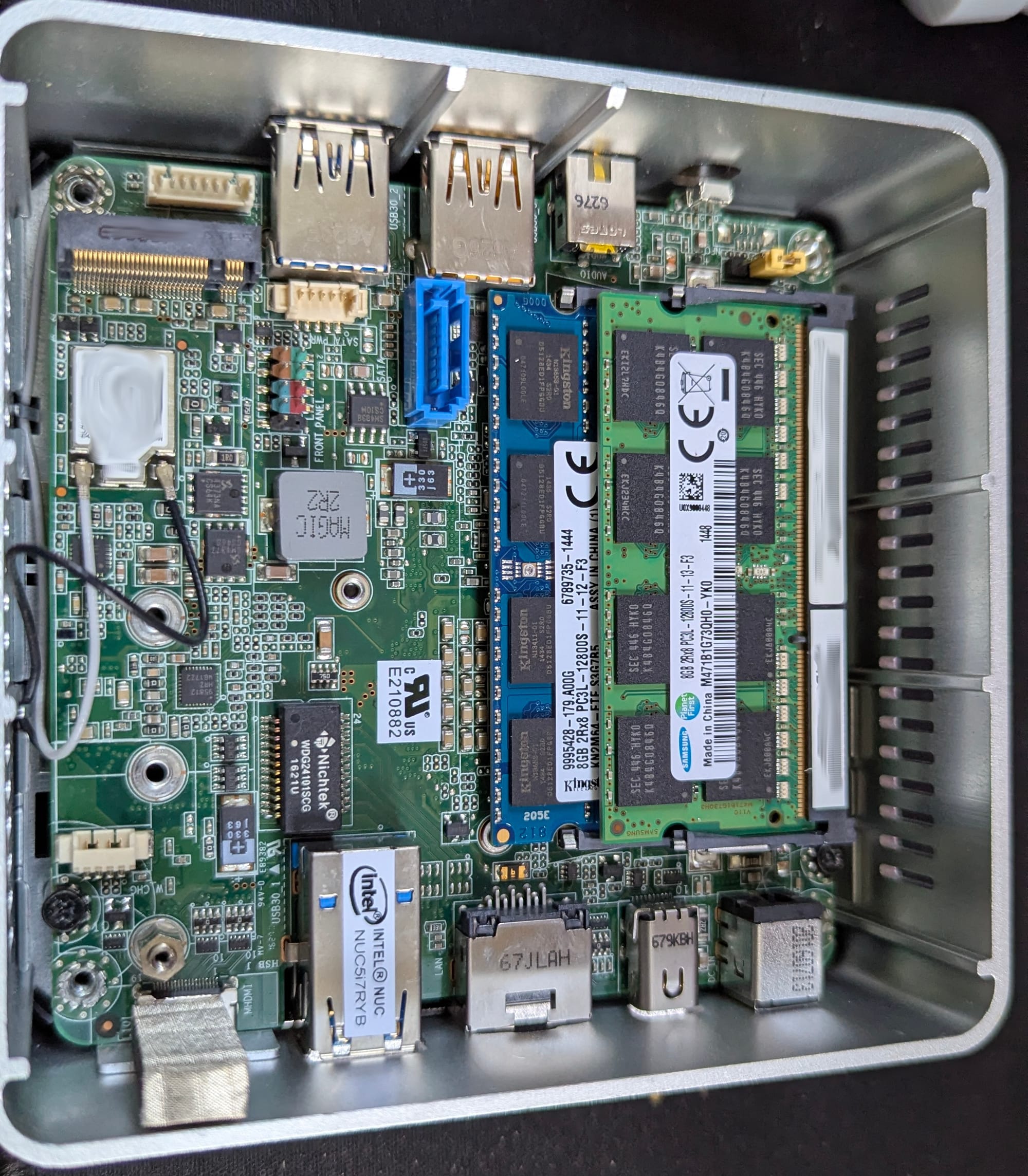
I had to have 2 attempts at replacing the main board into the chassis as first time I lost one of the wifi tails under the board.
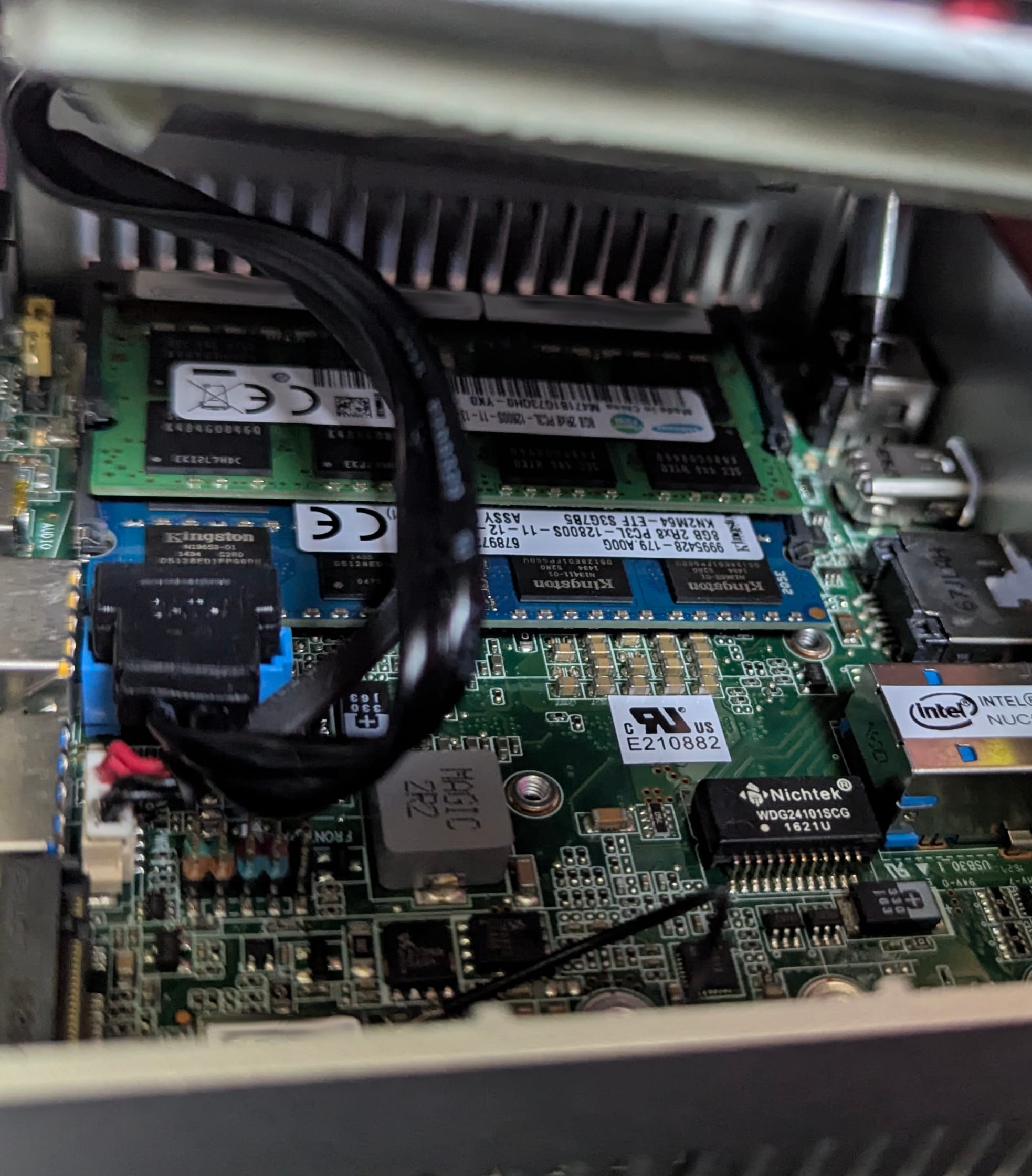
After that I needed to ensure I put the SATA SSD power and data connectors back in whilst maneuvering the bottom into place.
Moment of truth, throw in the power & monitor and ...... 🤞...... it boots
plex:~$ sensors
iwlwifi_1-virtual-0
Adapter: Virtual device
temp1:            N/A

acpitz-acpi-0
Adapter: ACPI interface
temp1:        +27.8°C
temp2:        +29.8°C

coretemp-isa-0000
Adapter: ISA adapter
Package id 0:  +45.0°C  (high = +105.0°C, crit = +105.0°C)
Core 0:        +45.0°C  (high = +105.0°C, crit = +105.0°C)
Core 1:        +44.0°C  (high = +105.0°C, crit = +105.0°C)
So now time to monitor temps & sound!